Who can use the Library's 3D printers?
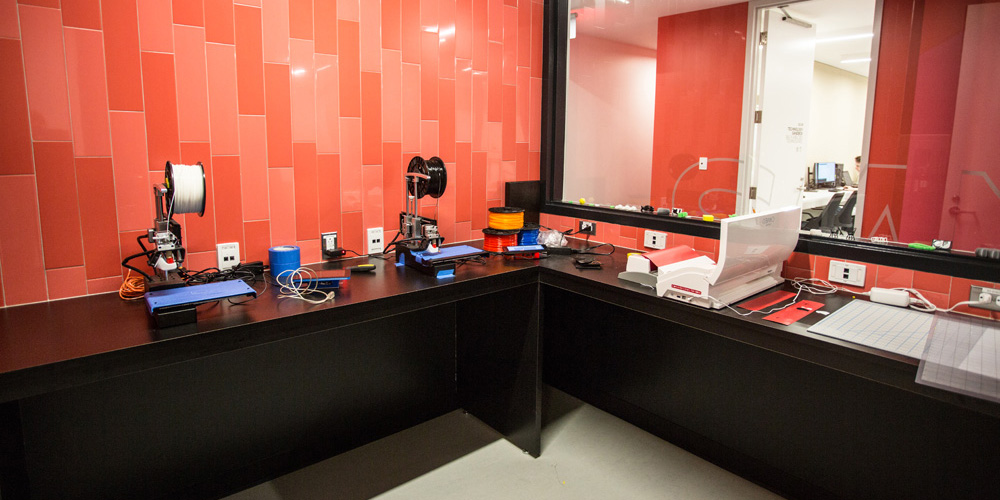
The Technology Sandbox has six 3D printers that are available for all Concordia students, staff, and faculty. Access to the 3D printers is free and printers are available during the Sandbox’s opening hours.
Rules & guidelines
- No previous printing experience is required. No certification is needed.
- If it is your first time using our 3D printers, please ask for assistance. We always have staff available. Each printer has a different interface and different printing parameters.
- One printer per project at a time. One printer per person.
- We welcome all types of projects; they don't have to be course-related.
- If you’re in a class and have access to a lab with a 3D printer, we encourage you to use your course-specific tools.
- We use the .stl file format. You need to slice the file in the Sandbox on our computers.
- Printing must finish during opening hours. Printers turn off when we close. The slicing software will give you an estimate of the total printing time.
Frequently-asked questions (FAQ)
Q: What kind of 3D printers do you have?
A: We have three Prusa (mark 2 and 3) and three PrintrBot Simple Metal printers. Two of them have been upgraded to have heated beds.
Q: I have no experience in 3D modelling. How do I get started?
A: You can find various models for 3D printing at Thingiverse.com and Tinkercad.com.
Q: What materials do you use for printing?
A: We only print PLA plastic (provided).
Q: What is the process for 3D printing?
A: It varies, depending on the printer and the project, but in general 3D printing follows these steps:
- Find the .stl file you want to print and export it.
- Slice it for the corresponding printer.
- Transfer it to the printer using a USB key or a SD card.
- Change the filament if you want a specific colour.
- Start the print and watch the two first layers.
- Leave and come back to pick up your print.
Q: What size of objects can I print?
A: Our larger printer has a maximum capacity of twenty cubic centimetres. Many prints approaching this size may not finish in the time we are open – please check the estimate generated by the slicing software.
Q: How can I choose the colour of what I print?
A: The colour is determined by the type of plastic you use. You will have a variety of colours to choose from, but the print can only be in one colour. You can modify the finished print by sanding, painting, or varnishing to create a variety of effects.
Q: What is an .stl file? How do I slice it? What does it mean?
A: You can always ask our support staff those questions. There is always someone available to help. Please, feel free seek assistance!