

SciFinder Scholar
First time login instructions for users with existing accounts
Users who have accessed Scifindern prior to September 2025 have manually created CAS Accounts. The first time you log in with your netname, your information will be used to find your existing account as illustrated in the steps below.
| 1. | Connect to Scifindern using this button: | Connect to SciFindern |
| 2. | Supply netname and password on Concordia login page and click SIGN IN: | 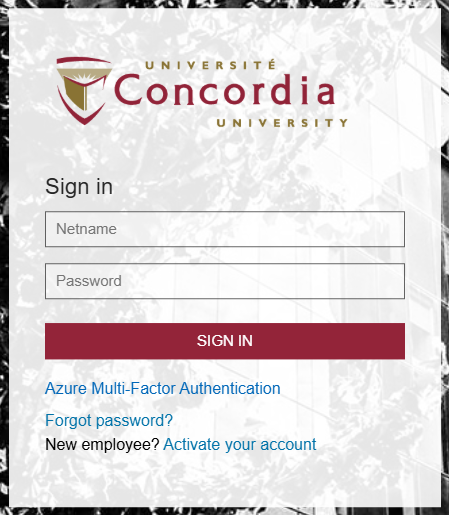 |
| 3. | You will see a welcome message, click Next: | 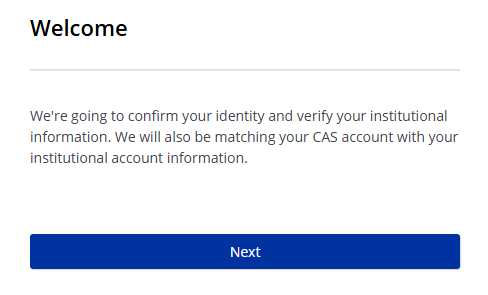 |
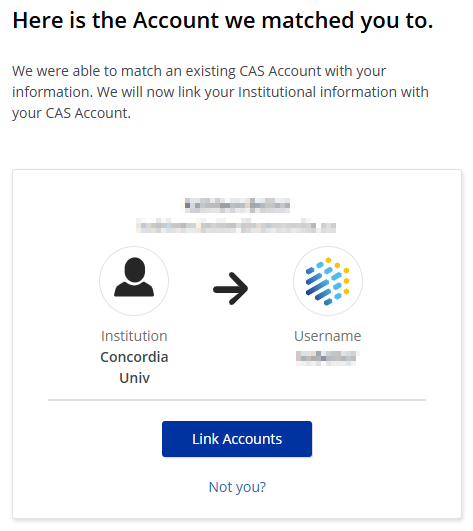
| 4. | If your existing account is found, click Link Accounts: Your existing acount will be identified by your chosen username |
 |
| 5. | Click Log In to go to SciFindern: | 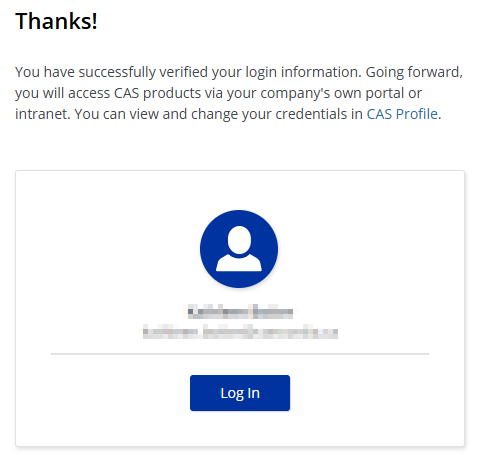 |