
How to add captions to presentations
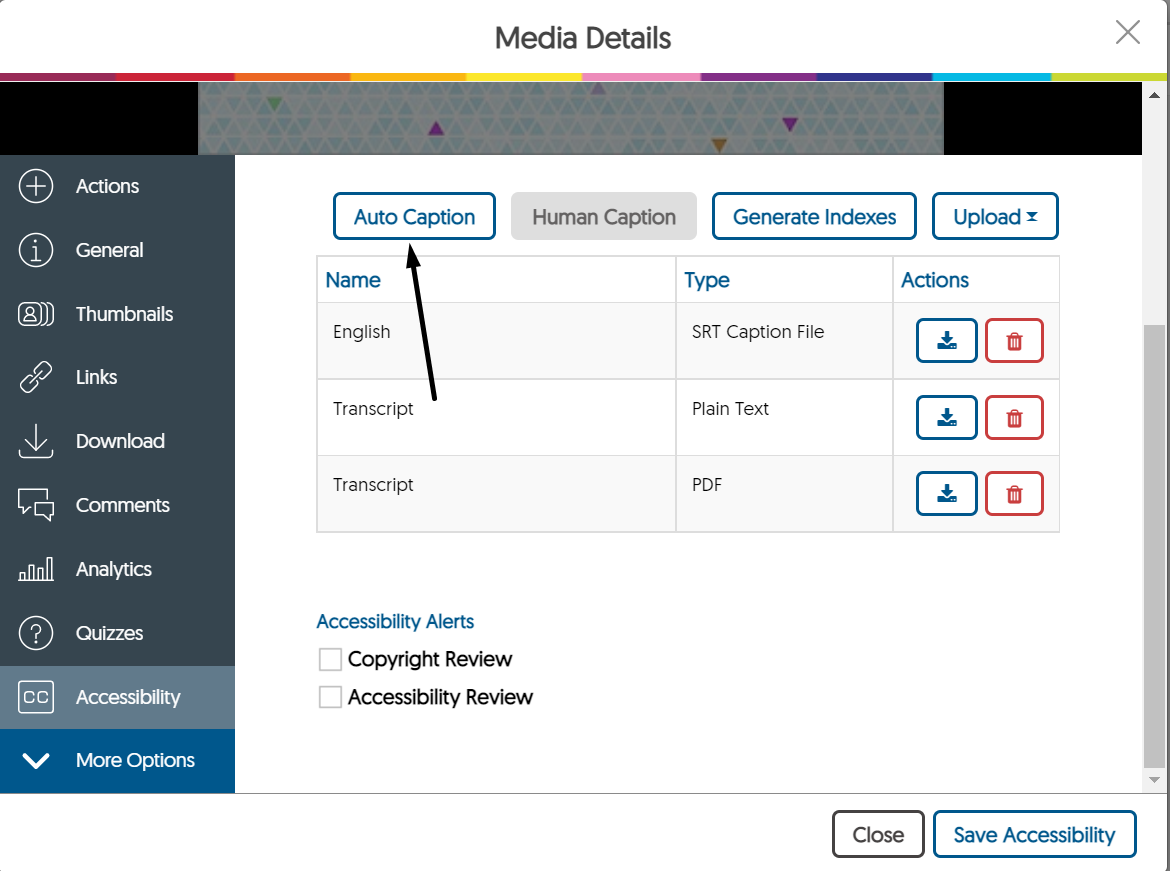
Upon completing your recording, if you click on “More…” and you will see many more options available. There is the ability to view analytics (if you choose to share the recording), options for the links generated, the ability to set up download restrictions, etc. One of the most useful options is the ability to have captions created. This can be done in the Accessibility section.
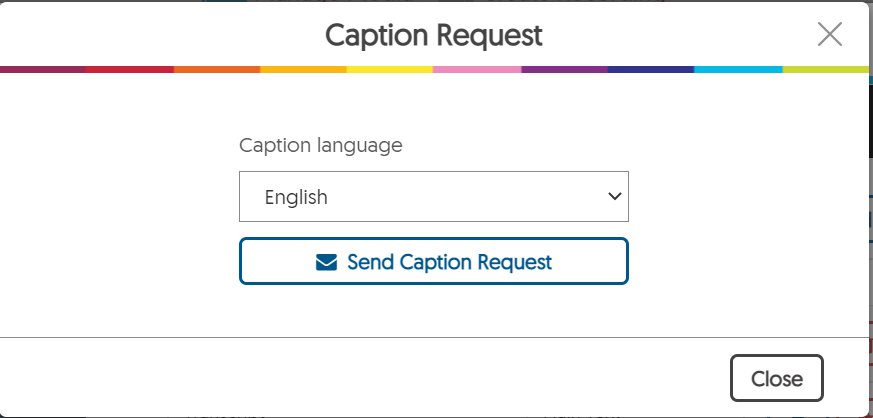
Upon selecting Auto Caption, it is possible to choose a language for the captions as well.
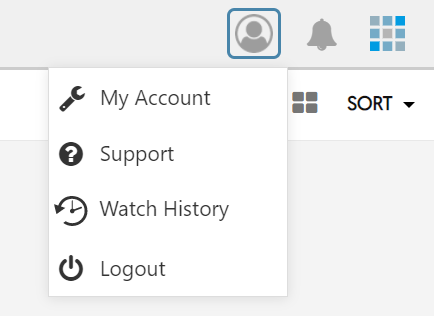
You can be notified when the notifications are ready, but you must ensure you email is on file to do so. On the YuJa dashboard, click on the profile icon followed by My Account.
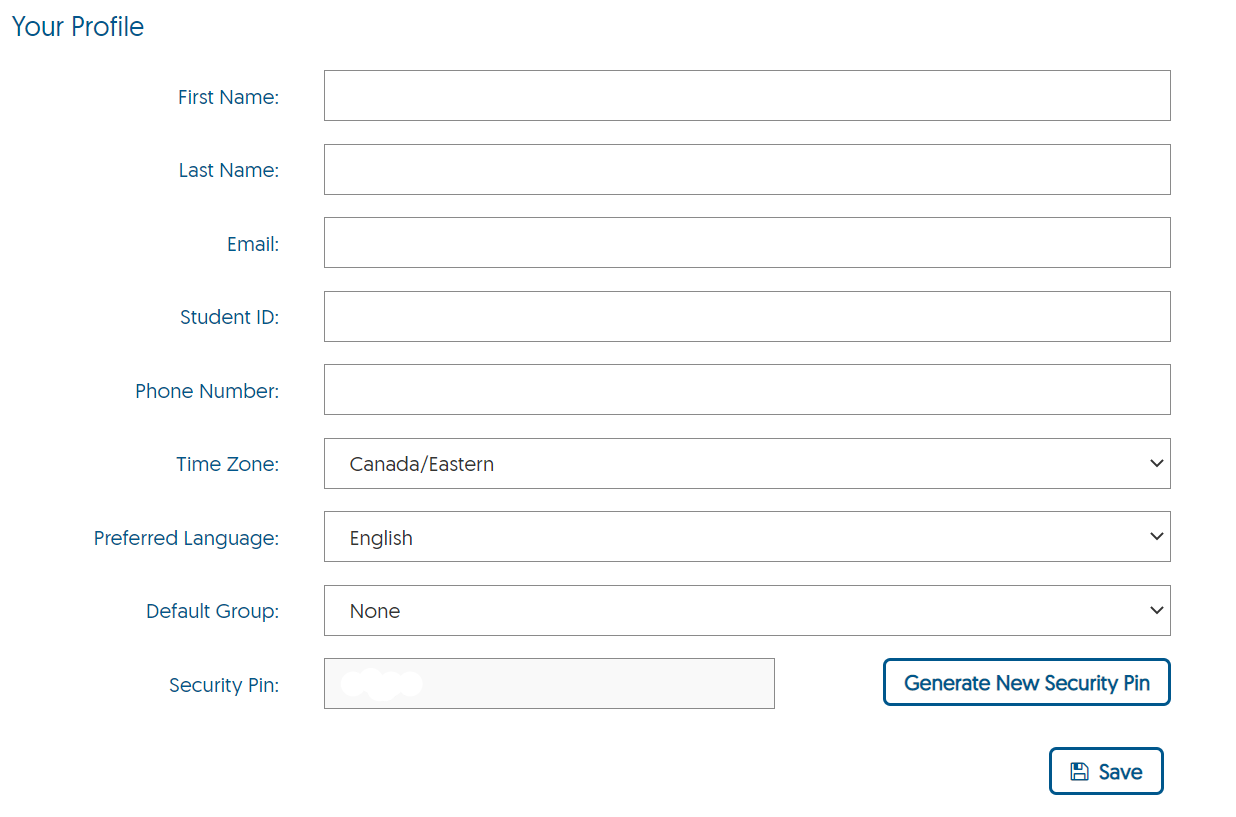
Just enter your email address, and you will receive any notifications that are sent by email as indicated by anything that states it will notify you in the options.