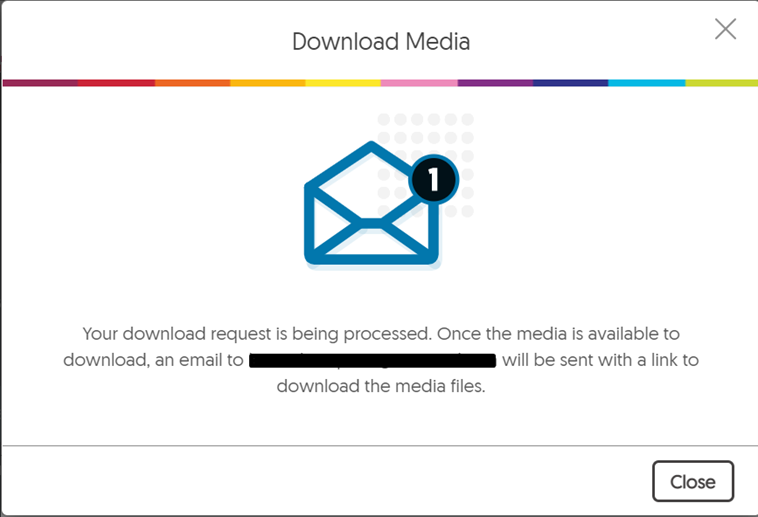

How to download recordings from Yuja
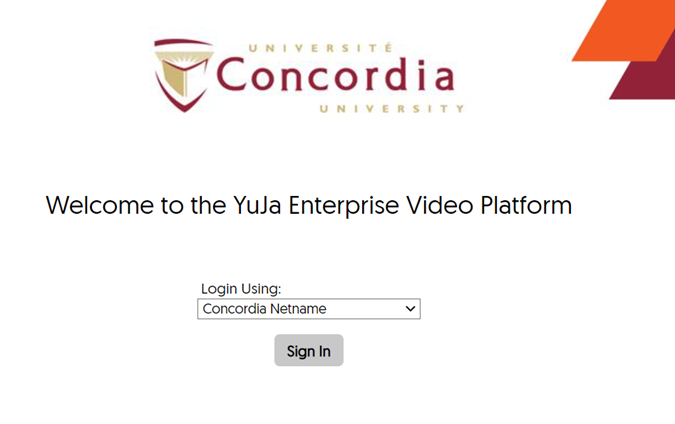
Log into YujaOnce you've created your recording, we ask that you download the file due the the limited amount of storage space available on Yuja. You can transfer your file to another cloud storage service like OneDrive. To access your files, go to Yuja and enter your netname and password.
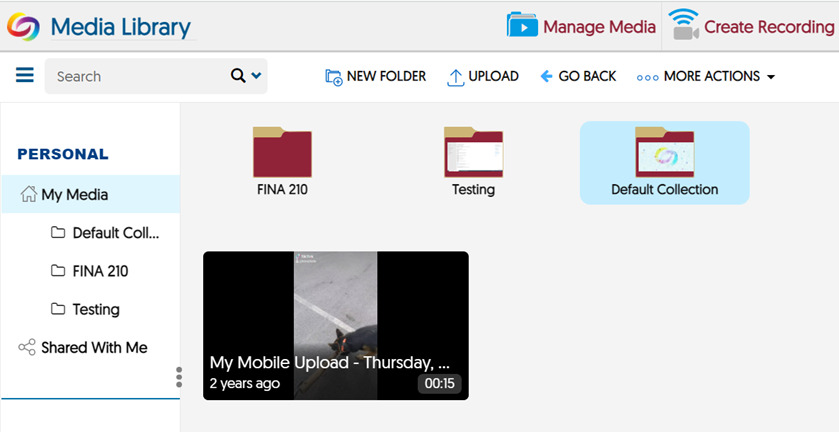
You will see your Media Library dashboard with your recorded video files.
To download your video, place your cursor over your recording and choose "More".
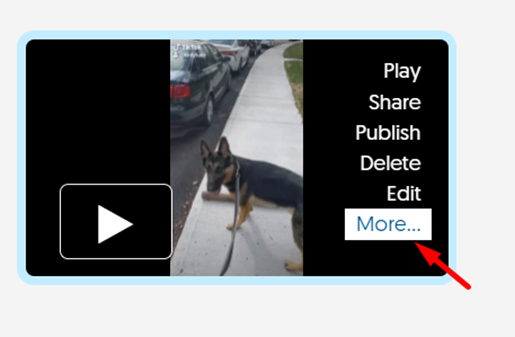
From there, several options are available. In this case, choose "Download" to see the available options regarding downloading. You may have a toggle for Audio or Audio and Video (this depends on the video, but make sure to choose Audio and Video). Choose "Download Media" to save your video.
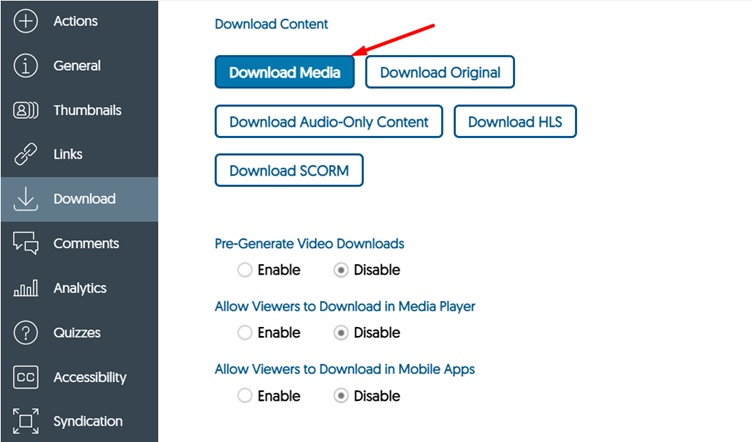
At this point, you will have two options: you can choose "Separate files" (to isolate audio and the video as separate downloads) or "Single file" (the audio and video together, in sync with one another). We recommend "Single file" for most cases.
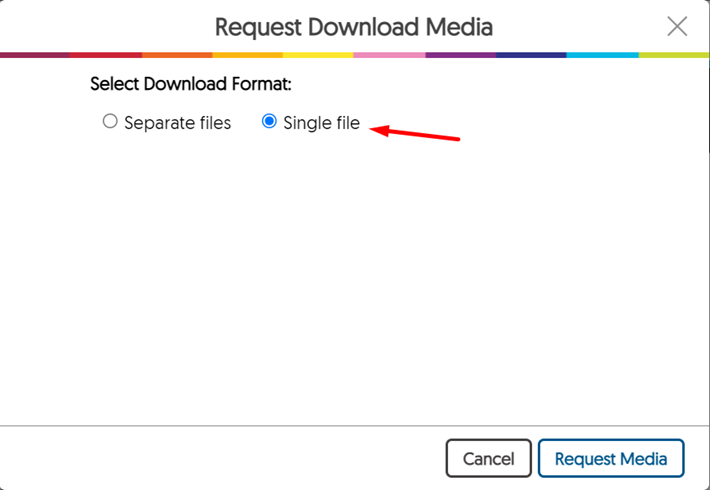
Once you choose "Request Media", you will see a screen indicating that you will be emailed when your download is ready with the link. Once downloaded, we ask that users delete their video from YuJa within a week or two, if possible. Feel free to upload it to a platform like OneDrive or Google Drive to be able to access it anywhere.