

How to record presentations
Log into YujaIn order to record presentations in the Presentation Practice Rooms, you have to sign into the computer and open a browser. Go to Yuja and enter your netname and password.

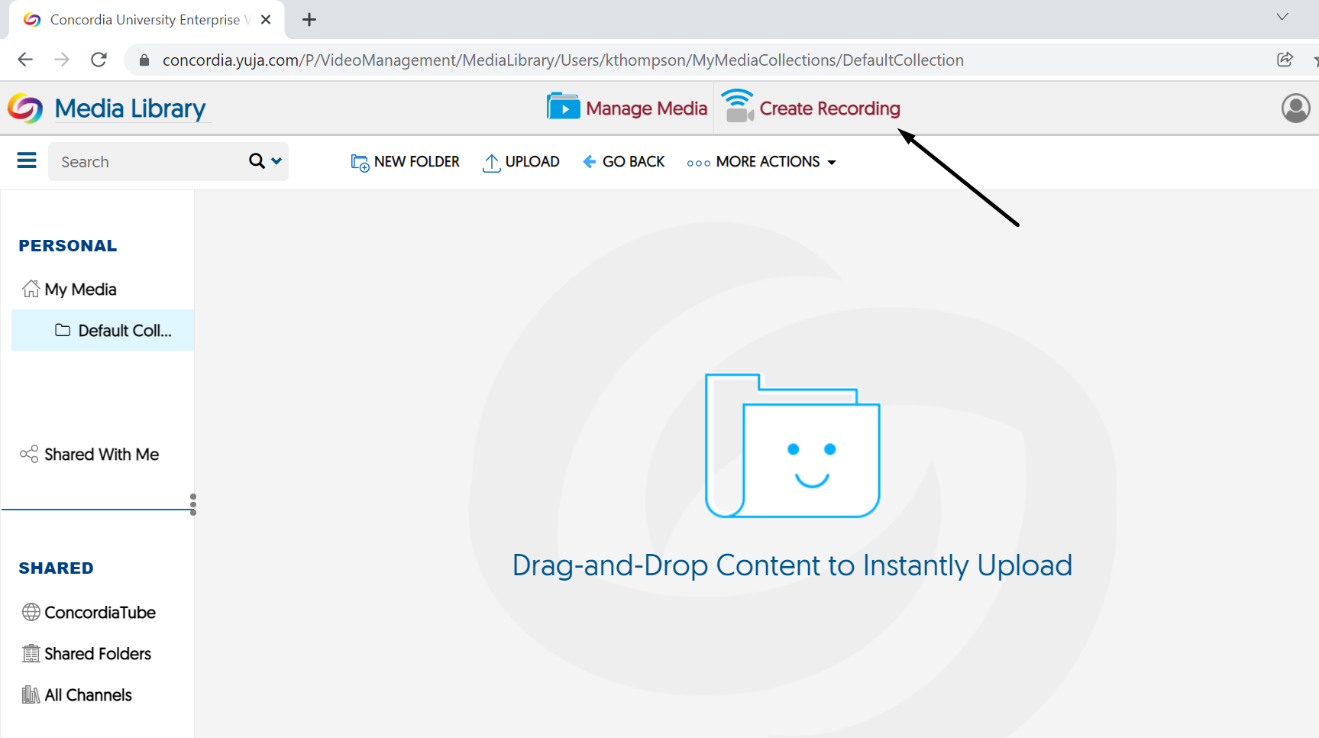
This will take you to the YuJa dashboard where you can see your recordings and make changes to them. Click on "Create Recording" and it will open the YuJa software. Sign in with your Netname and password.
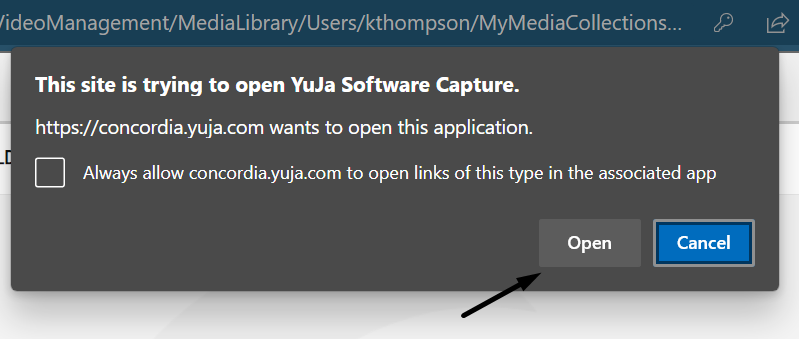
A pop-up will appear indicating that the site is trying to open the YuJa application. Choose "Open" for the application to open with your credentials in place.
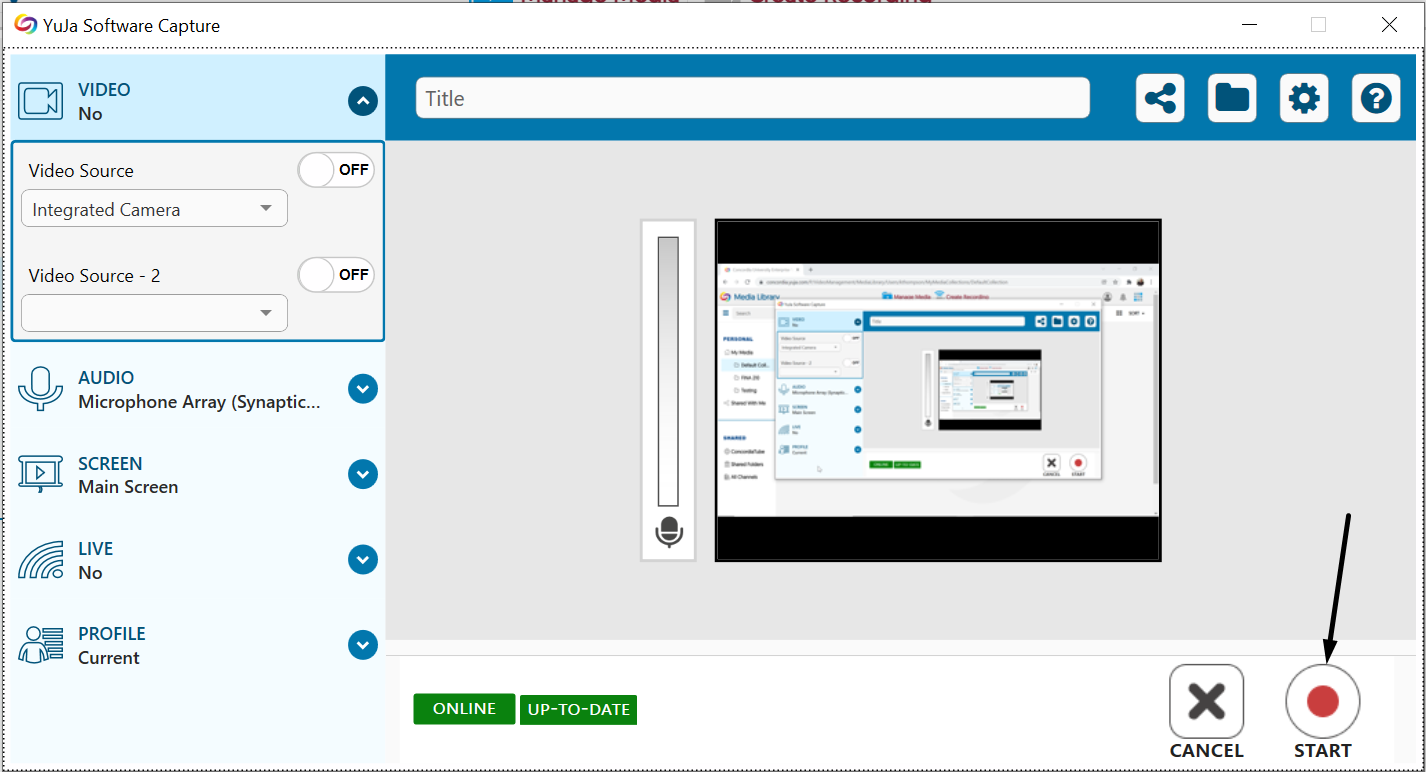
With YuJa open, you can decide what you want recorded (audio only, or both audio and video). Click on "Record" when you are ready and you will see a brief countdown before it starts recording.
When finished, the recording will appear in your dashboard with several options available. The file is stored on the YuJa cloud and can be accessed from anywhere by visiting Yuja.